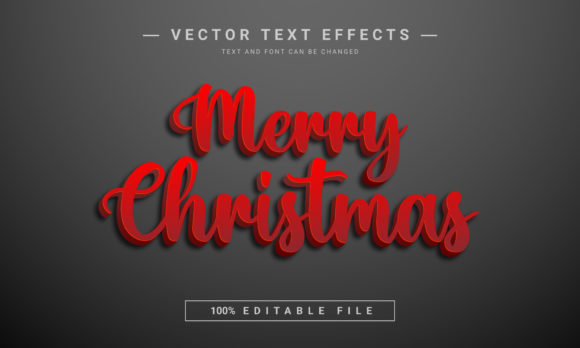
Merry Christmas Editable Text Effect for Holiday Projects
The holiday season brings a unique pressure for creators. Whether you are designing a festive Facebook banner for a small business, laying out a Christmas-themed paperback interior, or creating promotional materials for a local event, the visual tone needs to be just right. It has to feel celebratory, high-quality, and unmistakably seasonal. This is where the right design assets can save you hours of work and elevate your final product from amateur to professional. The Merry Christmas Editable Text Effect is one such asset, designed to provide an immediate, polished 3D typographic treatment that captures the spirit of the season.
Understanding the 3D Text Effect Asset
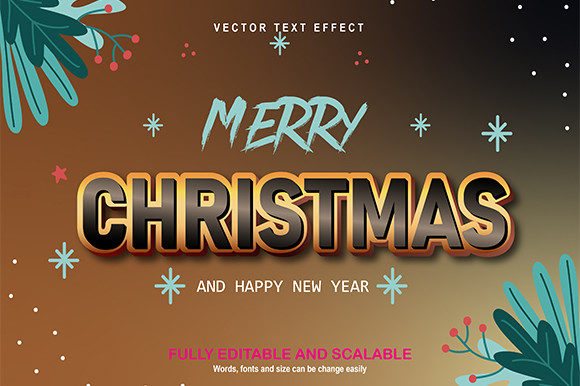
At its core, this asset is a vector-based design file, specifically an EPS file, which is crucial for its versatility. Unlike a static JPEG or PNG, an EPS file preserves the vector data, meaning the design can be scaled to virtually any size without losing clarity. This makes it suitable for both small web graphics and large-format prints like posters or KDP paperback covers. The visual character of the effect is a bold, dimensional 3D rendering. Imagine letters that appear to pop off the page, with realistic shadows and highlights that give them weight and presence. The style leans towards a classic, celebratory aesthetic—think of the typography you might see on a high-quality greeting card or a festive store window. It’s not overly quirky or niche; its appeal is broad, making it a reliable choice for a wide range of projects.
Where This Festive Typography Shines
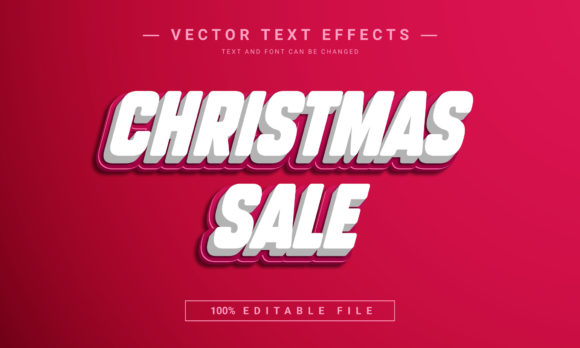
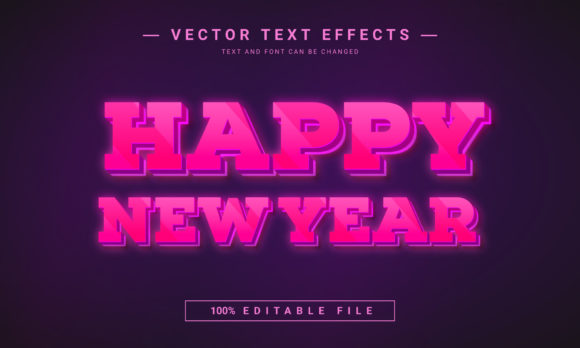
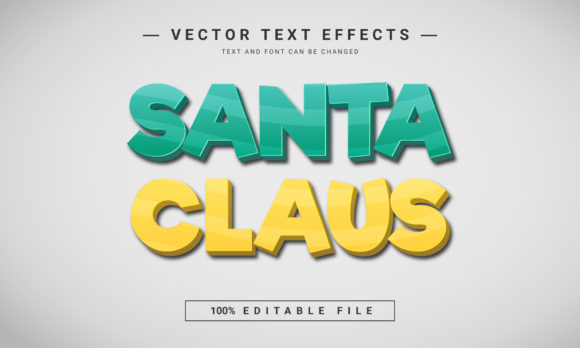
The true strength of the Merry Christmas Editable Text Effect lies in its adaptability. Because it is 100% editable, you are not locked into the phrase "Merry Christmas." This is a significant advantage. You can type any text you need—be it a company name, a promotional offer like "Holiday Sale," or a personal message for a family newsletter. The font, letters, sizes, and colors can be easily changed. This transforms it from a single-use graphic into a foundational design tool for the entire season.
Consider its applications across different domains:
- For Marketers and Small Business Owners: Use it to create eye-catching social media graphics for holiday campaigns. The 3D effect naturally stops the scroll. It’s perfect for email header images, website sale banners, and printable in-store signage. The 2000×1200 pixels dimension at 72 DPI is optimized for digital screens, ensuring your graphics look sharp on social feeds and websites.
- For Publishers and Authors: Design a compelling cover for a holiday-themed KDP paperback or an ebook. The professional look of a premium font effect can significantly impact a potential reader's perception of your book's quality. It works well for title treatments on book covers or as a decorative element on chapter pages.
- For Designers and Crafters: The layered EPS file allows for deep customization. You can isolate individual letters, adjust the 3D angle, or modify the shadow depth. This level of control is essential for creating unique logo design elements for holiday-themed brands, custom invitation suites, or printable party decorations. The RGB color mode is standard for digital work, but for print projects, you can easily convert the colors to CMYK within your design software.
Making the Most of an Editable Font Effect
Integrating any new design asset into your workflow effectively requires a bit of strategy. Here’s how to approach this text effect to ensure it strengthens your project’s visual hierarchy and brand identity.
First, think about font pairing. This 3D effect is a display font style—meant for headlines and short bursts of impactful text. It pairs best with clean, simple body text. A classic sans serif font like Helvetica, Open Sans, or Lato for your supporting copy will provide a clean contrast, ensuring readability without competing for attention. Avoid pairing it with another ornate script font or handwritten font, as this can create visual clutter.
Second, consider your color choices. While the file comes with default colors, the ability to change them is key. Align the text effect’s colors with your existing brand identity or your project’s color palette. A red and green scheme is traditional, but a gold and white treatment might feel more elegant for a luxury brand’s holiday campaign. Test different combinations to see what resonates best with your target audience.
Third, evaluate the context. This effect is bold and festive, so it’s ideal for projects that call for celebration and energy. It might be too informal for a corporate legal firm’s holiday card but perfect for a boutique retailer, a family photographer, or a community center’s event poster. Always match the personality of your typography to the tone of your message.
Finally, remember the technical specs. The 72 DPI and RGB color mode tell you this is primarily a digital asset. For high-resolution print projects (typically 300 DPI in CMYK), you will need to adjust the file settings in a program like Adobe Illustrator or Photoshop. The 2000×1200 pixel starting size gives you a good working resolution for digital use, but for large posters, scaling up from the vector source is your best path to a crisp result.
In the crowded landscape of holiday content, a thoughtful typographic choice can make all the difference. The Merry Christmas Editable Text Effect offers a practical blend of festive style and functional flexibility, empowering you to create professional, engaging visuals that connect with your audience during the most wonderful time of the year.